Introduction
What is the Sandbox?
The Sandbox is a workspace for trying cutting plans without touching live production. You can re-optimize, hand-build patterns, add or drop widths, and change weights freely; nothing you do there affects a running run until you explicitly apply it.
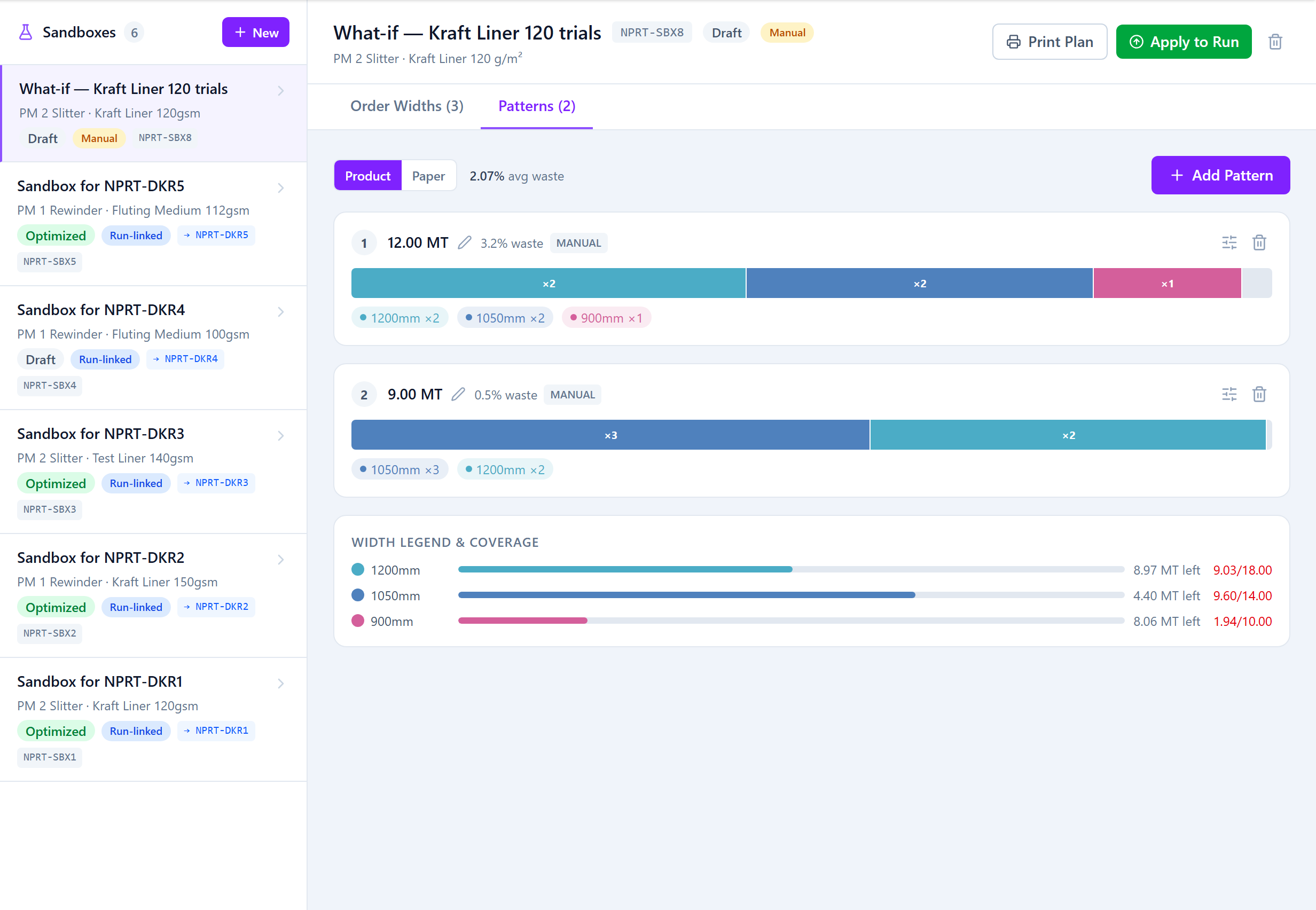
Two Kinds of Sandbox
- Run-linked — created from an existing run (its "Sandbox" button). It starts as a copy of that run's plan, can be re-optimized, and can be applied back to the same run.
- Standalone — created from scratch on the Sandbox screen ("New Sandbox"). You add your own widths and build patterns by hand; when you're happy, you turn it into a brand-new production run.
When to Use It
- A customer changes a width after the run is planned — model it before committing.
- Test whether adding a small extra width lowers waste, without disturbing the committed plan.
- Try a hand-built pattern structure the optimizer wouldn't pick.
- Re-optimize with a tweaked blade or deckle override and compare.
- Plan a run manually from first principles, then create it.
Isolation
Sandbox edits are isolated. A run-linked sandbox only changes its run when you apply it, and only while that run hasn't started yet — once the run is In Progress the sandbox locks. You can keep several sandboxes and delete the ones that don't pan out.
Was this page helpful?
Something unclear or missing? Reach out and we'll update this page.