Descriptors
What Descriptors Do
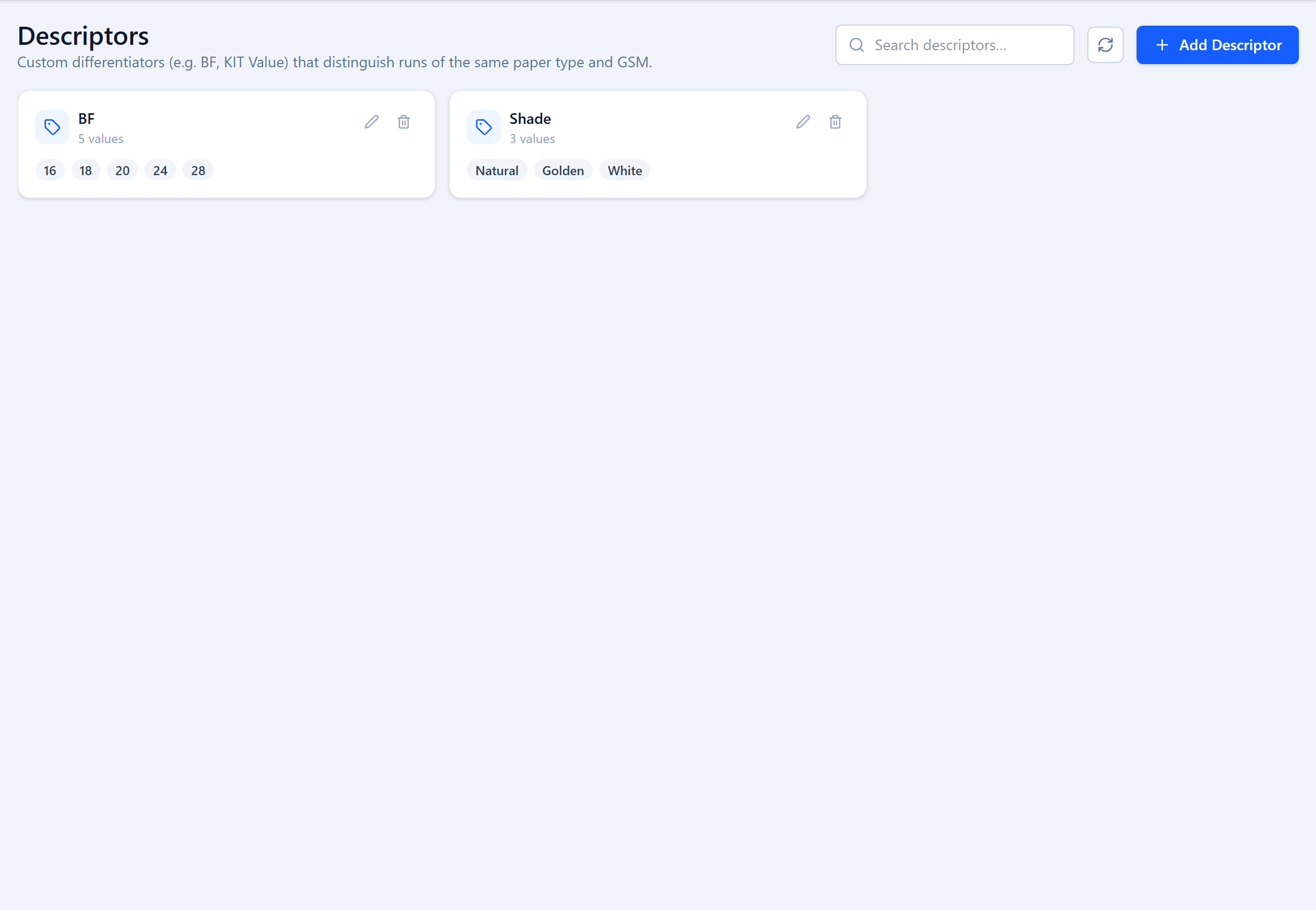
Two order widths can share a paper type, GSM and size but still differ in a property that matters on the floor — burst factor, KIT value, shade, brightness. A descriptor captures that difference as a named attribute with a fixed list of allowed values. Descriptors are managed under Setup → Descriptors and, like the rest of Setup, only Admin accounts can change them.
Their purpose is to keep incompatible widths off the same cutting run: a descriptor value recorded on an order width becomes a hard filter when a run is planned.
Creating a Descriptor
| Field | Type | Description |
|---|---|---|
Name* key: name | text | Short label, e.g. "BF", "KIT Value", "Shade". |
Possible Values* key: possibleValues | list | The allowed values, one at a time (type a value and press Enter). e.g. 16, 18, 20, 24, 28. |
Deleting a descriptor is a soft delete — order widths that already carry its values keep them for history.
Setting Values on Order Widths
When you add an order width (see REEL Widths), a Descriptor Values section lists your descriptors. Pick a value for each that applies. A width can carry several — for example BF = 24 and Shade = Natural.
Descriptors in a Run
The New Run wizard has an optional Descriptor Values filter in step 1. Pin the run to a combination — say BF = 24 — and step 2 only offers order widths that carry exactly that. If several distinct descriptor combinations match your grade filter, the wizard asks you to choose one before continuing. This is what stops a 24 BF width and an 18 BF width being cut in the same pattern.
Common Examples
- BF (burst factor) — 16 / 18 / 20 / 24 / 28
- RCT or SCT strength grade
- Shade — Natural / Golden / White
- Core diameter and OD for thermal rolls
- Any customer-specific spec that changes the recipe but not the paper type or GSM
Was this page helpful?
Something unclear or missing? Reach out and we'll update this page.